
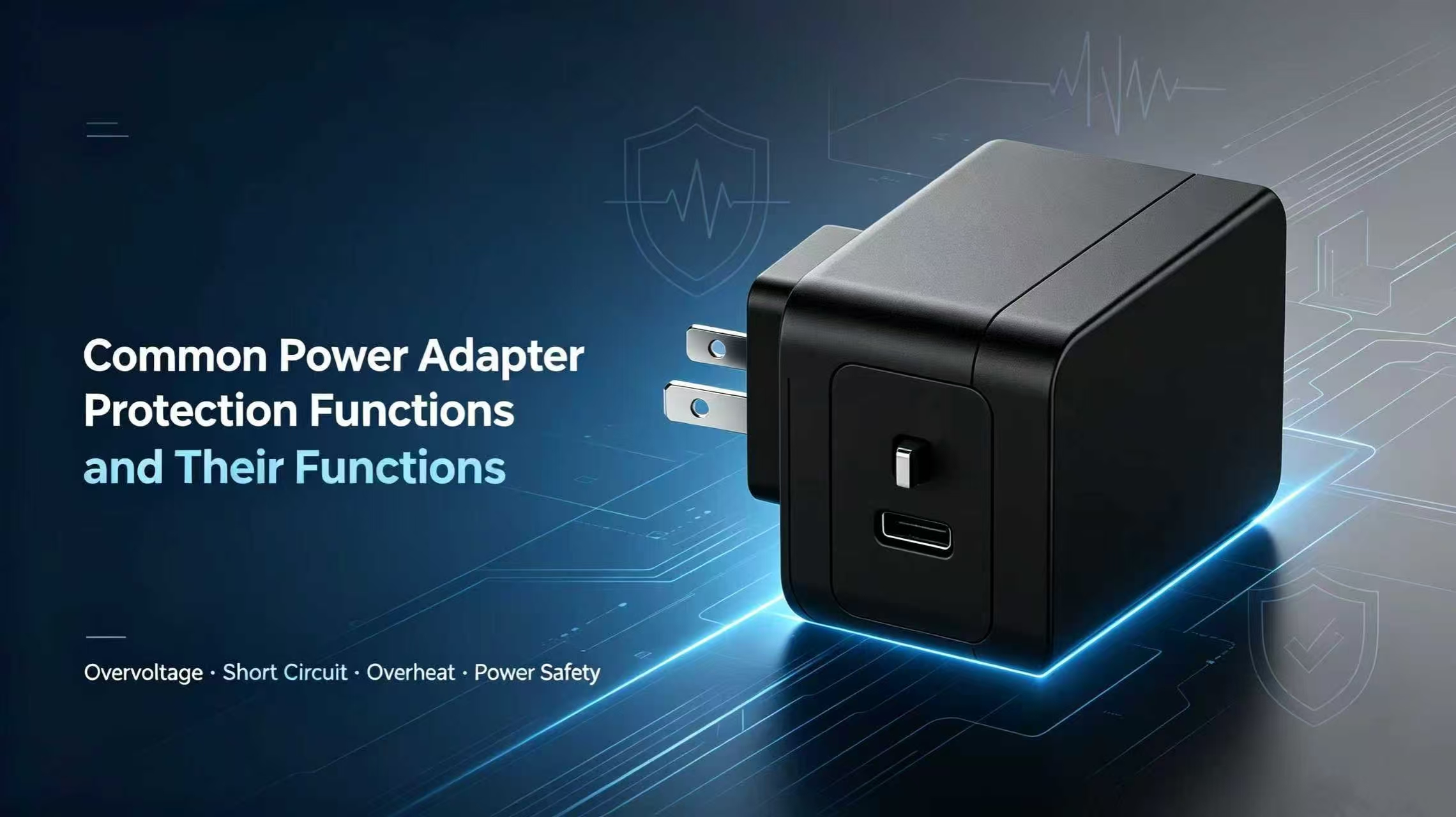
Guangming, Shenzhen, China – September 29, 2026 – If you’ve spent any time sourcing AC-DC adapters, you’ve seen the spec sheets. They’re always full of safety terminology—overvoltage protection, short circuit protection, overheat protection—listed in neat little rows. Most buyers skim past these lines. They’re looking at voltage, current, plug type, price. The safety stuff feels like boilerplate, something every adapter presumably has anyway.
Except that’s not true. And it’s exactly the kind of assumption that comes back to bite you months later, when your products start randomly shutting down in the field, or worse, when a voltage spike fries a customer’s equipment and they’re on the phone demanding answers.
This guide is my attempt to walk through these protection features in plain language—what they actually do, when they matter, and which ones you should refuse to compromise on before you sign off on a bulk order.
Why Protection Features Should Matter to You
Here’s a scenario I’ve seen play out more than once. A buyer places a large order for adapters. The samples work fine. The price is right. The shipment arrives, everything looks good. Then six months later, the complaints start rolling in. Devices are failing. Returns are piling up. The common thread? Every single failure traces back to a power adapter that lacked one critical protection feature.
Power fluctuations are a fact of life. Thunderstorms, unstable grids, faulty building wiring, a refrigerator compressor kicking on at the wrong moment—any of these can send irregular voltage through the line. A cheap adapter without proper safeguards will pass that spike straight through to your device. Your router, your security camera, your POS terminal—it takes seconds to fry sensitive electronics.
A well-built adapter, on the other hand, has circuits that constantly watch the power flow. The moment something goes wrong, it cuts the output. That’s the difference between an adapter that lasts three months and one that runs for years. It’s also the difference between a brand customers trust and one they complain about online.
From our side as a manufacturer, we’ve watched clients learn this lesson the hard way. One customer came to us after their previous supplier’s samples failed CE testing—missing overvoltage protection was the culprit. They had to restart the entire sampling process, losing six weeks and a lot of money. All because nobody had specified the safety requirements upfront.
The Three Protections You Can’t SkipOvervoltage Protection
Every device has a voltage it’s designed for—5V, 12V, 24V, whatever. Overvoltage protection exists for the moments when the adapter’s output suddenly jumps above that safe level. Maybe the grid surges. Maybe an internal component fails. Maybe power comes back dirty after a blackout. Whatever the cause, the protection circuit detects the spike and stops the output instantly. Without it, those voltage pulses hit your device’s mainboard and start killing chips.
One thing that confuses people is whether the adapter recovers on its own. Most commercial units use auto-recovery—the adapter resumes once the fault clears. But for industrial gear that runs 24/7, some buyers prefer latch-off mode, where the adapter stays off until someone physically unplugs it. Neither is better. It just depends on your application.
Short Circuit Protection
A short circuit happens when the positive and negative lines touch. Frayed cable, crushed wire, metal connector tip brushing against something conductive—it doesn’t take much. When it happens, current surges instantly. Temperature spikes. Plastic melts. It’s ugly.
Short circuit protection catches that extreme current draw and kills the output before things get dangerous. For consumer gear like home cameras and routers, auto-recovery makes sense—the device comes back once you fix the problem. For industrial equipment, manual-reset is often the better call. The adapter stays dark until maintenance re-plugs it, giving techs time to find the root cause.
If you’re evaluating samples, run a quick short-circuit test yourself. Touch the output terminals together briefly and see what happens. A properly protected adapter shuts down cleanly. One without protection gets hot, makes noises, or worse.
Overheat Protection
Adapters get warm. That’s normal. But when they run at full load for days inside an unventilated cabinet, or when someone covers them with papers on a desk, the internal temperature climbs into dangerous territory. Overheat protection watches that temperature. When it passes the safety threshold, the adapter either reduces output or shuts down completely to cool off. Most restart once the temperature drops.
This one gets overlooked constantly. Networking and surveillance equipment runs non-stop, sometimes for years. Without overheat protection, the constant heat slowly cooks the capacitors inside the adapter. They degrade. The failure rate climbs. Six months after launch, the after-sales complaints start. Overheat protection is the last line of defense when everything else fails to catch a problem.
Beyond the Basics
Premium adapters usually include a few more functions worth knowing about:
Overcurrent protection limits how much current the adapter will deliver. If a device tries to pull more than the adapter can safely provide, it shuts things down before either side gets damaged.
Input surge protection absorbs voltage spikes from the wall before they reach the adapter’s circuitry. If you’re selling into regions with shaky power infrastructure, this one’s worth paying extra for.
Don’t assume all of these come standard. Some manufacturers treat protection features as optional add-ons. If you don’t spell out each one in your technical specs, don’t be surprised when the bulk shipment shows up without them.
How to Verify Safety on a New Sample
When you’ve got a sample in hand, here’s what I’d do:
Check the spec sheet first. Confirm it actually lists overvoltage, short circuit, overheat, and overcurrent protection, along with the recovery mode for each. If it’s vague, ask for clarification.Ask for test reports. Any reputable manufacturer should be able to provide aging and safety test data for your specific model. If they hesitate, that tells you something.Run your own tests. Trigger a short circuit. Push the adapter to full load for several hours. Touch it to check temperature. A protection feature that only exists on paper isn’t worth anything.Verify certification requirements. CE, FCC, whatever your target market demands—make sure the safety functions will pass. Missing features can block your products at the border.The Bottom Line
Power adapters are the kind of component nobody thinks about until they fail. It’s easy to get caught up in price negotiations and delivery schedules and forget that the little protection circuits inside are what keep your hardware alive.
Overvoltage, short circuit, and overheat protection aren’t luxury upgrades. They’re the floor. If you’re sourcing from a manufacturer who takes these seriously, you’ll deal with fewer failures, fewer returns, and fewer angry customers. That’s worth more than a few cents saved per unit.
If you need adapters with protection parameters tuned to your specific application—or if you want samples to test before committing—reach out to an OEM/ODM manufacturer with experience in your industry. It’s a conversation worth having before you place the order, not after
About us
Established in August 2010, Shenzhen FuYun(RUIYU) Technology co., LTD. is a collection of R&D, production, sales power adapter, charger, hairdressing instrument high-pressure core parts and after-sales service. The company has more than 800 employees, has morn than 30 management staffs, and has a series of advanced automation equipments and various advanced testing instruments and reliability test equipment.
Media Contact
Company Name: Shenzhen Ruiyu Technology Co., Ltd.
Contact Person: Media Relations
Email: Send Email
Country: China
Website: https://www.universalacdcpoweradapter.com/
Press Release Distributed by ABNewswire.com
To view the original version on ABNewswire visit: Common Power Adapter Protection Functions | Complete Safety Guide for Buyers


